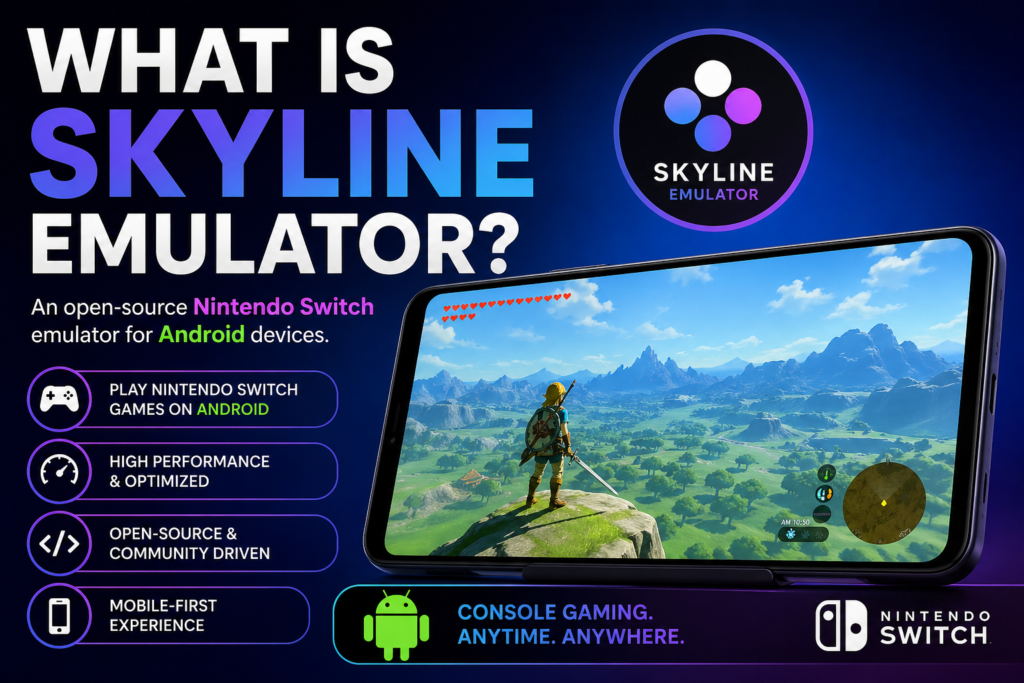
Skyline Emulator is an innovative tool that brings Nintendo Switch gaming to Android devices, allowing users to experience console-level gameplay on their smartphones. Designed with a mobile-first approach, it focuses on delivering smooth performance, efficient resource usage, and growing compatibility with popular Switch titles.
As mobile hardware continues to improve, Skyline has emerged as a promising option for gamers who want flexibility and portability without sacrificing quality. Although still under development, it has already attracted a strong community of users and contributors. In this article, we’ll explore what Skyline Emulator is, how it works, and why it’s gaining attention.
Why Skyline Emulator is Gaining Popularity
Skyline Emulator has quickly gained attention among gamers and developers alike. Here’s why:
Mobile Gaming Revolution
With smartphones becoming more powerful, gamers are now looking for ways to play console-level games on the go. Skyline taps directly into this demand.
Open-Source Development
Being open-source means:
- Anyone can contribute to its development
- Frequent updates and improvements
- Transparent progress
Focus on Performance
Skyline is optimized for ARM-based processors, which are commonly found in Android devices. This makes it more efficient than many traditional emulators.
Key Features of Skyline Emulator
Let’s explore what makes Skyline Emulator stand out:
✔️ High Compatibility (Growing)
Skyline supports a growing list of Nintendo Switch games. While not all games run perfectly yet, compatibility improves with every update.
✔️ Hardware Acceleration
It uses Vulkan graphics API, allowing better performance and smoother gameplay on supported devices.
✔️ Touchscreen Controls
Skyline offers customizable on-screen controls, making it easy to play without needing external controllers.
✔️ External Controller Support
You can connect Bluetooth controllers for a more console-like experience.
✔️ Regular Updates
The development team frequently releases updates, improving:
- Game compatibility
- Stability
- Performance
How Does Skyline Emulator Work?
Skyline Emulator works by mimicking the hardware and software environment of the Nintendo Switch.
Here’s a simplified explanation:
- It translates Switch game code into instructions your Android device can understand.
- It uses your phone’s GPU and CPU to process graphics and gameplay.
- It renders the game output on your screen in real time.
Because the Nintendo Switch uses a custom architecture, this process is highly complex, which is why not all games run perfectly yet.
System Requirements for Skyline Emulator
To run Skyline Emulator smoothly, you’ll need a fairly powerful Android device.
Minimum Requirements:
- Android 10 or higher
- Snapdragon 845 or equivalent
- At least 4GB RAM
Recommended Requirements:
- Snapdragon 888 / 8 Gen series
- 8GB RAM or more
- Vulkan support
The better your device, the smoother your gameplay experience will be.
Is Skyline Emulator Legal?
This is one of the most commonly asked questions.
The Emulator Itself
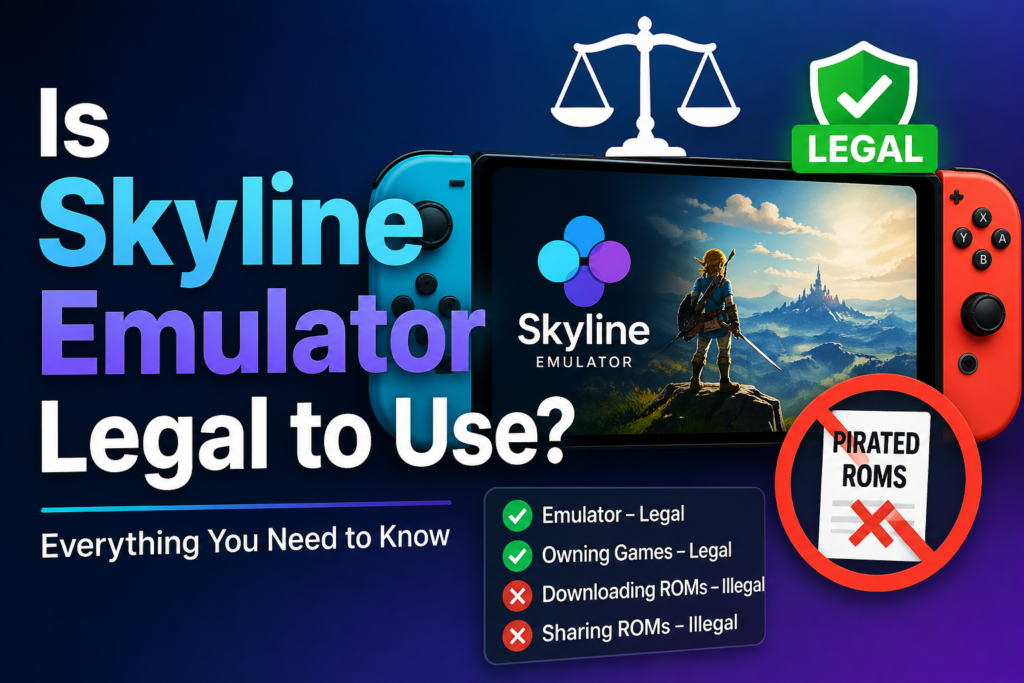
Skyline Emulator is completely legal. Emulators are not illegal because they are simply software tools.
Games (ROMs)
However, downloading or sharing Nintendo Switch game files without owning them is illegal in most countries.
To stay on the safe side:
- Only use games you legally own
- Avoid downloading pirated content
Pros and Cons of Skyline Emulator
✅ Pros
- Free and open-source
- Designed specifically for Android
- Active development community
- Impressive performance for mobile devices
- Supports external controllers
❌ Cons
- Not all games are playable
- Requires a high-end device
- Occasional bugs and crashes
- Setup can be tricky for beginners
Skyline Emulator vs Other Emulators
Let’s compare Skyline with other popular emulators:
Skyline vs Yuzu
- Skyline: Android-focused
- Yuzu: PC-focused
Skyline is better for mobile users, while Yuzu offers better performance on desktops.
Skyline vs Egg NS Emulator
- Skyline is open-source and free
- Egg NS often requires additional setup and has licensing concerns
Skyline is generally considered more trustworthy and transparent.
How to Install Skyline Emulator (Basic Steps)
Getting started with Skyline Emulator isn’t too complicated:
- Download the latest Skyline APK from a trusted source
- Install the APK on your Android device
- Add your game files (legally obtained)
- Configure settings for performance
- Start playing
Note: You may need additional files like keys or firmware, depending on the version.
Tips for Better Performance
To get the best experience with Skyline Emulator:
- Use a high-end device
- Close background apps
- Enable performance mode on your phone
- Use Vulkan-compatible devices
- Lower resolution settings if needed
These tweaks can significantly improve gameplay.
Current Limitations
Skyline Emulator is still under development, so it has some limitations:
- Not all games are supported
- Some games may crash or have graphical glitches
- Audio issues in certain titles
- Performance varies by device
However, the emulator is improving rapidly.
Future of Skyline Emulator
The future looks promising for Skyline Emulator.
With ongoing development, we can expect:
- Better game compatibility
- Improved performance optimization
- More stable builds
- Enhanced user interface
As mobile hardware continues to advance, Skyline could eventually rival PC-based emulators.
Who Should Use Skyline Emulator?
Skyline Emulator is ideal for:
- Android gamers who want console-level gaming
- Tech enthusiasts interested in emulation
- Developers exploring open-source projects
However, it may not be suitable for casual users who want a plug-and-play experience.
Conclusion
Skyline Emulator is redefining what mobile devices can do. While still evolving, it offers a glimpse into the future of portable gaming. With continuous improvements and community support, it’s definitely a project worth watching.
Whether you’re a hardcore gamer or just curious about emulation, Skyline Emulator is an exciting tool that pushes the boundaries of Android gaming.